Image Restore
Bring a client's old photos back for print and posts.
Restore damaged photos with FLUX.2 [pro]: it fixes scratches, creases, stains and fading across the whole image, sharpens faces, and can bring colour back to black and white prints. Ideal for an anniversary post or a "since 1989" wall.
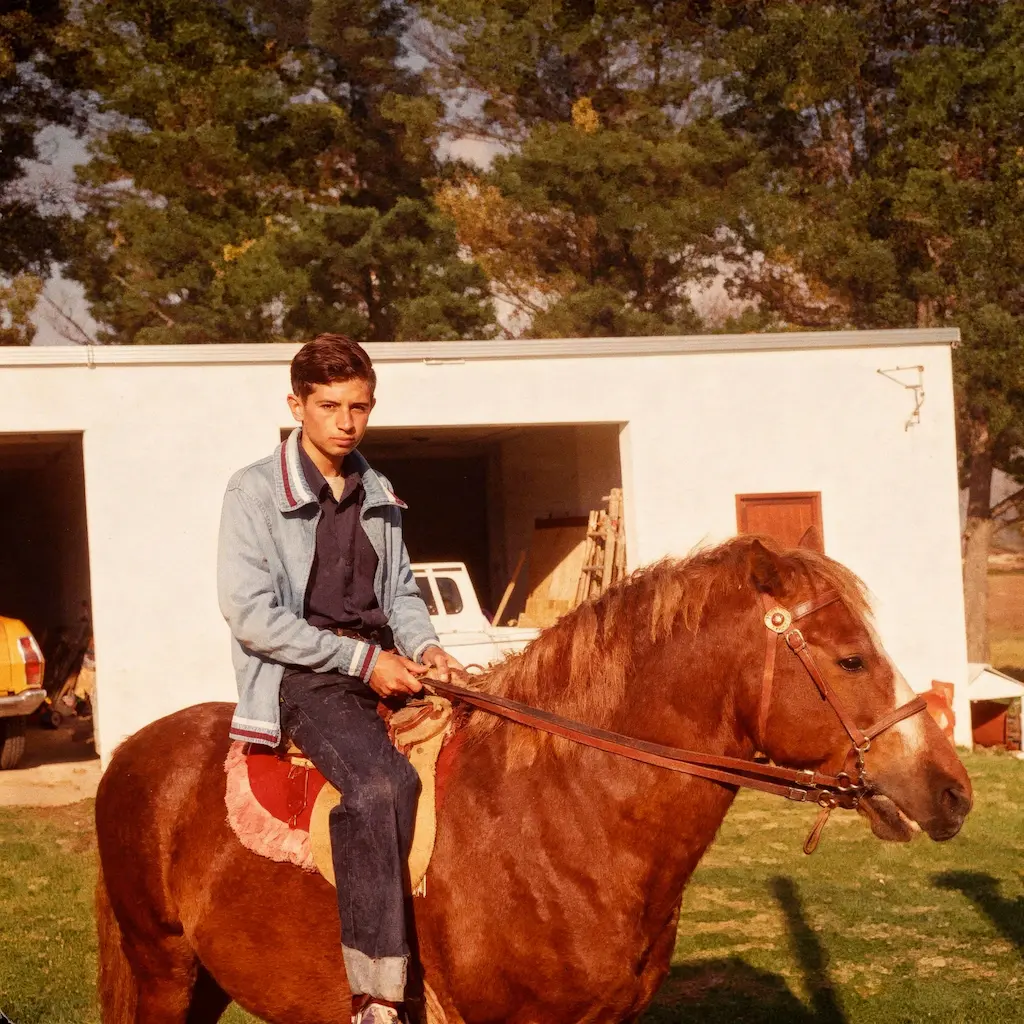
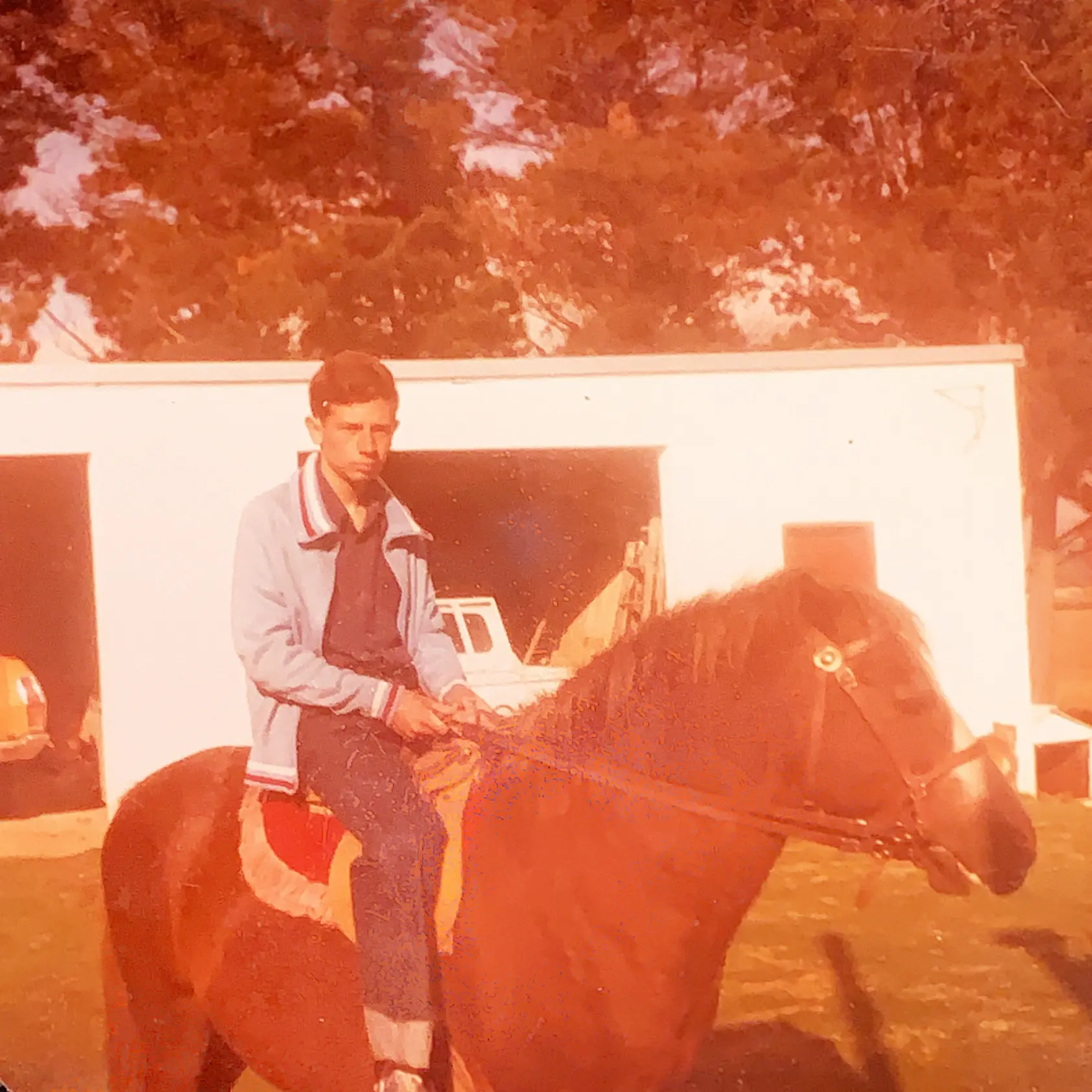
More before and afters
Drag across each photo to compare the original scan with the result.
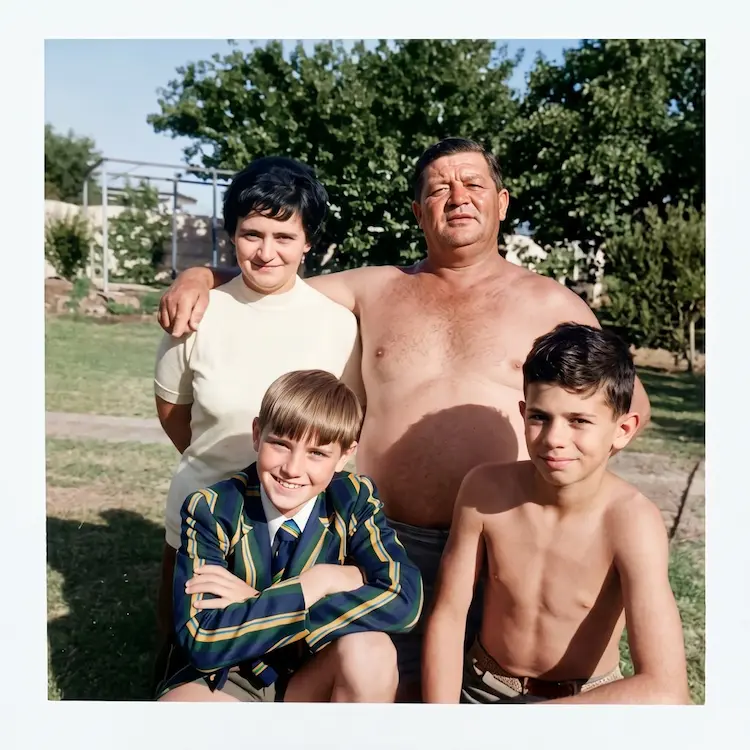
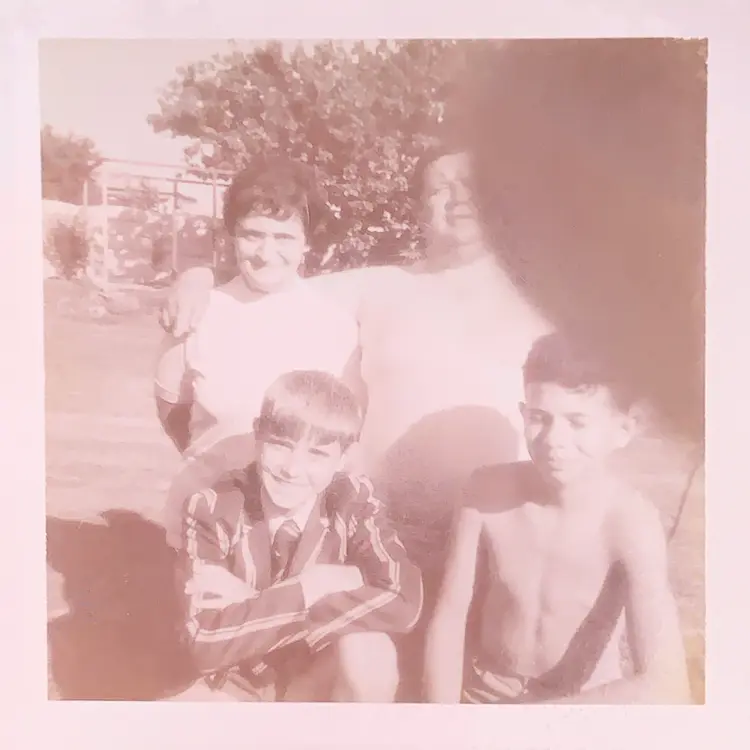
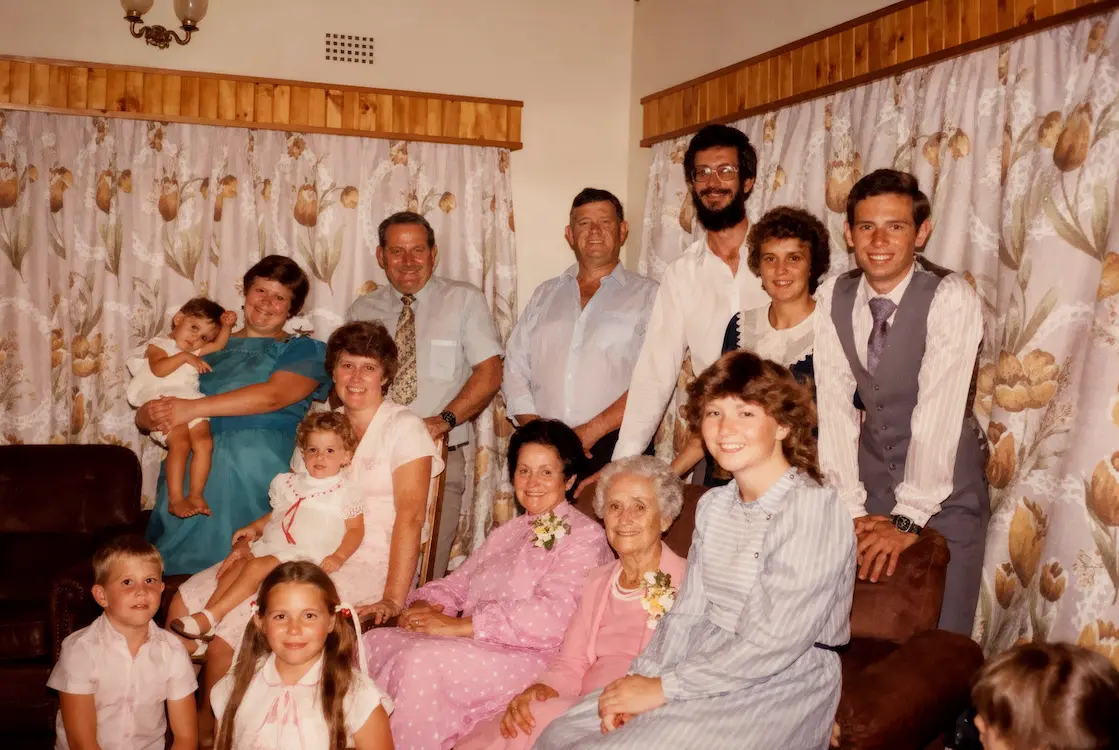
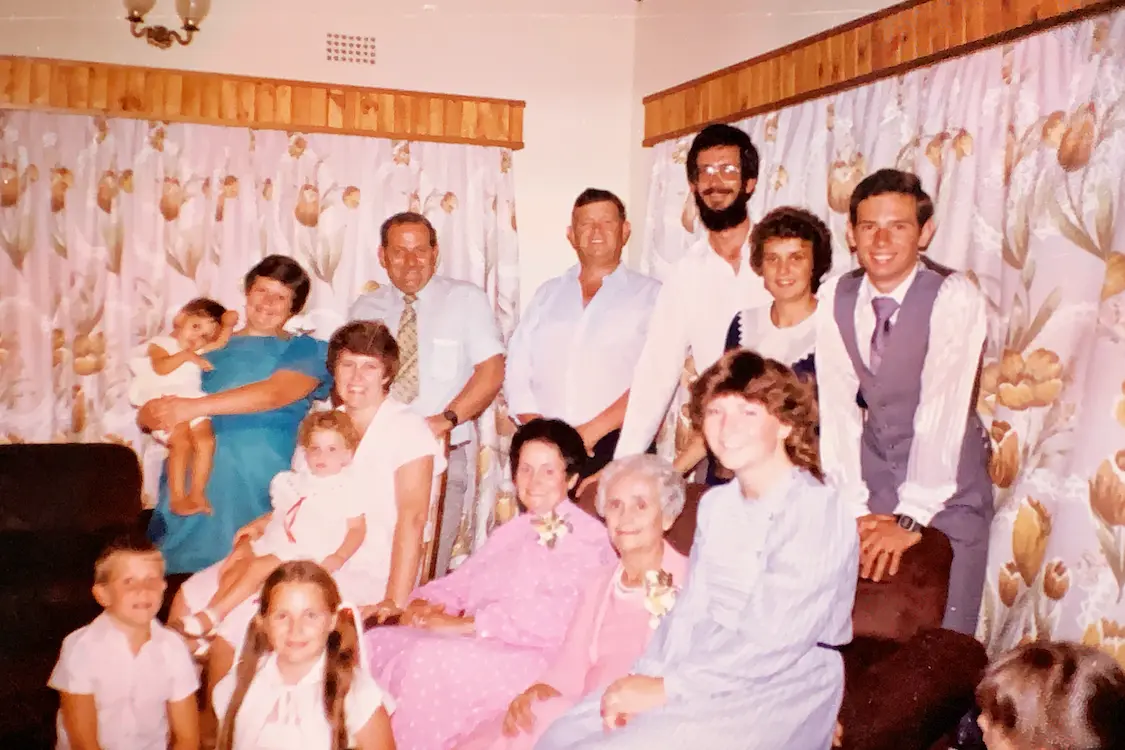
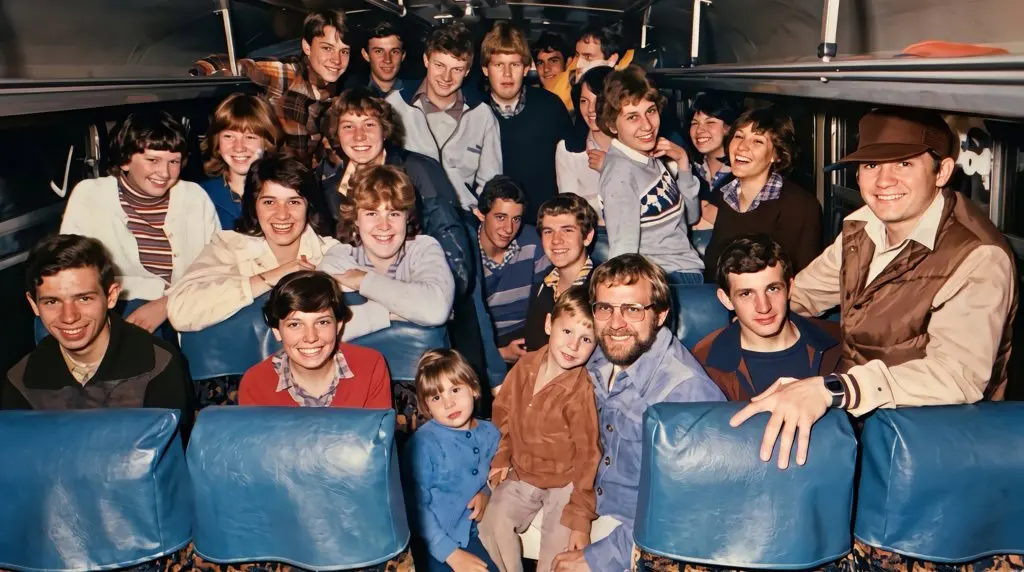
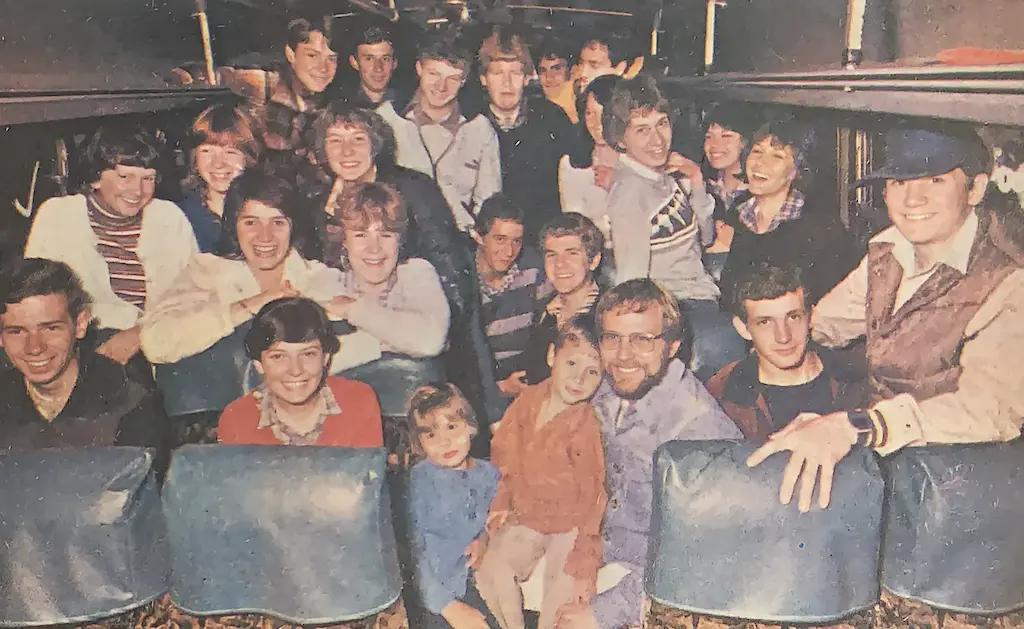
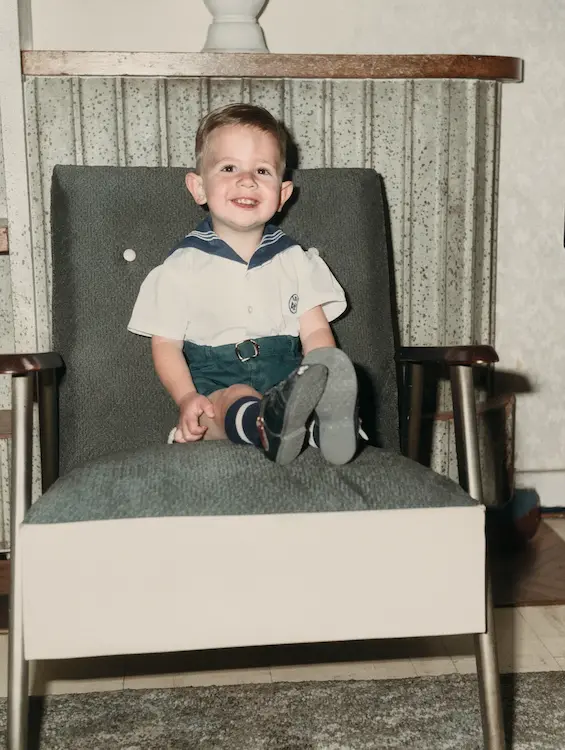
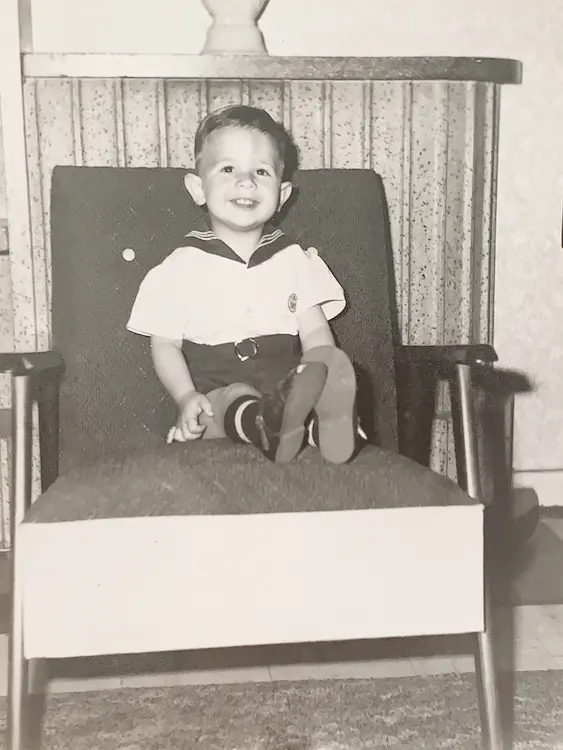
How to restore an old or damaged photo
- 1 Upload a scan or photo of the damaged print (JPG, PNG, GIF or WebP up to 10 MB).
- 2 Pick PNG or JPG — processing typically takes under 30 seconds.
- 3 Download the restored file and share with your client. Run Upscale afterwards if you need it larger for print.
Client campaigns built on old photos
Anniversary campaign
Repair a creased photo of the client's first shop for a "30 years" post or in-store poster.
Team archive shot
Clean up a scratched photo of the founding team for the client's About page or newsletter.
Founder portrait
Restore a low-resolution portrait scanned from an old magazine for a case study or award entry.
Questions about Image Restore
What does a restore cost?
From 3 credits, which is from R2.14 on the cheapest credit rate. You see the exact price before you run the job.
Can it add colour to black and white photos?
Yes. Along with fixing scratches, creases, stains and fading, it can bring natural colour back to a black and white print.
How long does it take?
Usually under 30 seconds. If a job fails, the credits go straight back to your wallet.
Guides that use Image Restore
Step-by-step, South-Africa-first walkthroughs that show exactly how to get the result you are after.
Ready to run Image Restore for a client?
Each use costs from 3 credits, depending on the options you pick. Credits never expire.